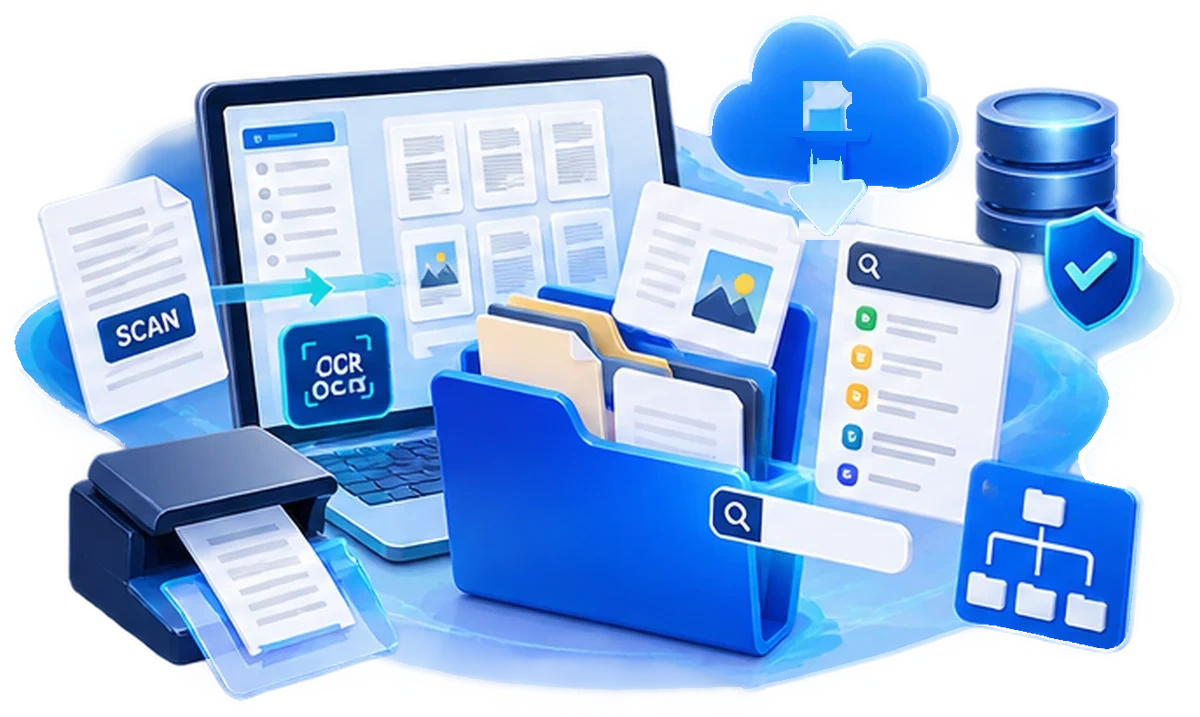
A Windows document workroom · on your own PC

Keep your folders exactly as they are.
Change only how you search and file.

The Windows folders you already use, unchanged.
RichBinder reads your documents, finds them by meaning, not just exact words, and files them where you chose.

RichBinder is local document management software for Windows that works inside your existing folders. Scanned documents stay as real files, Office · Hancom HWP · PDF · images open in one viewer, and OCR makes their contents searchable. Documents and OCR data are never sent to our servers.

  • Your documents stay on your PC
  • The AI runs on this PC too
  • Not just filenames — the contents too
  • Office and Hancom open without installing them

Viewing

Unified viewer

Folders, preview, document and details in one place

FreeProfessionalAI
  • Opens MS Office and Hancom HWP with neither installed
  • Opening a file builds its thumbnail and search index at the same time
  • Built-in rotate · crop · deskew for images and PDFs
MS Office DOCDOCXXLSXLSXPPTPPTXODF
Hancom HWPHWPX
Images · PDF PDFJPGPNGTIFF
Text · data MDTXTLOGCSV

Filing

Automatic filing

Read · decide the type · move

ProfessionalAI
  • Scattered documents move to the destination you set
  • Content is read, then the type decided, the file moved and renamed
  • Never sent to our servers; you choose where they live
Watched folder · scan Read and decide A local folder you chose

Your documents and the text we read never reach our servers · it all works offline

RichBinder 파일스캔문서 이미지보기도구도움말 문서 찾기 Ctrl F 스마트 폴더 문서 유형 관리 AI 스캔 스캔 → 소아내분비과 EPSON L355 · USB 연결됨 300 dpi 컬러 JPEG · 품질 100 폴더 · 문서 200건 병원영수증 (수술퇴원) 소아내분비과 2021.01.04 2021.02.01 2021.10.18 소아심장과 예방접종_예지 자동 정리 폴더 새 문서 D:\문서\_새문서 스캔한 문서 못 찾음 내 문서 사진 파일 5건 병합_20260812.pdf 영수증 2022.08.25.jpg 영수증 2022.12.16.jpg 병원영수증 › 소아내분비과 영수증 2022.08.25.jpg JPG · 1.5 MB · 3,504 × 2,544 병원 영수증 OCR 외래 진료비 계산서 · 영수증 환자등록번호진료기간영수증번호 진료과목병실건강보험 진 찰 료19,9585,342 주 사 료17,700 검 사 료17,65824,384 처치·수술료 합 계 37,616 납부할 금액 17,700 매출전표 진료예약증 파일 유형 OCR 보정 영수증 2022.08.25.jpg 파일 정보 종류JPG 파일 위치병원영수증\소아… 크기1.5 MB 만든 날짜2026-08-20 해상도300 DPI 문서 OCR 인식 완료 본문 검색이 됩니다 파일 작업 PDF로 변환 다른 폴더로 옮기기… E:\MyGoogleDrive\병원영수증\소아내분비과 영수증 2022.08.25.jpg 선택 However it arrives Scan · watched folder · Drag and drop Your folders Existing folders stay as your filing Folder to watch Anything landing here is filed for you Viewer Images · PDF · Office · Hancom What was read Shows whether it can be found by its text The real path

One viewer holds the folders, the preview, the document and its details.
Wherever a document came from, you read and file it without copying it anywhere.

How documents arrive

The same filing, whichever way they come in

Watched folder · scan · existing folders · drag and drop.
However it arrives, the path is the same: open in the viewer → read → move to the folder you chose.

Watched folder

New files appearing in a folder you asked us to watch

Scanning

Paper turned into a file on the spot

Existing folders

Documents already piled up in your Windows folders

Drag and drop

The simplest way — bring the file in yourself

RichBinder Unified viewer · reading · search · type detection
A local folder chosen per type Naming rule applied · move recorded

Features

Eight features that complete document automation

  • 1Unified viewing with no extra software
  • 2Scanning starts the filing pipeline
  • 3New documents move to their destination automatically
  • 4Three layers: folders · shortcuts · smart views
  • 5One document type carries five rules
  • 6Two OCR engines, each for its own job
  • 7AI proposes types from unfiled documents
  • 8One board for the whole pipeline

Editions

Editions by how much you automate

From manual control (Free) through rule-based automation (Professional) to AI inference (AI),
editions differ by how far the system steps in.

Free Included

Manual

  • Scanning
  • Unified viewer
  • Search
  • Create document types yourself
Professional Everything in Free

Automatic filing

  • Automatic filing
  • Field extraction
  • Review queue
  • Bulk indexing
AI Everything in Professional

Type proposals · automatic naming

  • Automatic document-type proposals
  • Semantic search
  • Personal-data masking

Each badge names every edition that includes that feature.
Features from lower editions (Free) are carried into the higher editions (Professional · AI).

Try everything before you decide

On install, every AI Edition feature is unlocked for 30 days on one PC. When the trial ends the app moves to the Free Edition automatically; registering a licence (subscription or perpetual) keeps that edition instead.